PRINT ARTICLES > Cin Weekly Magazine > Sony PlayStation 3
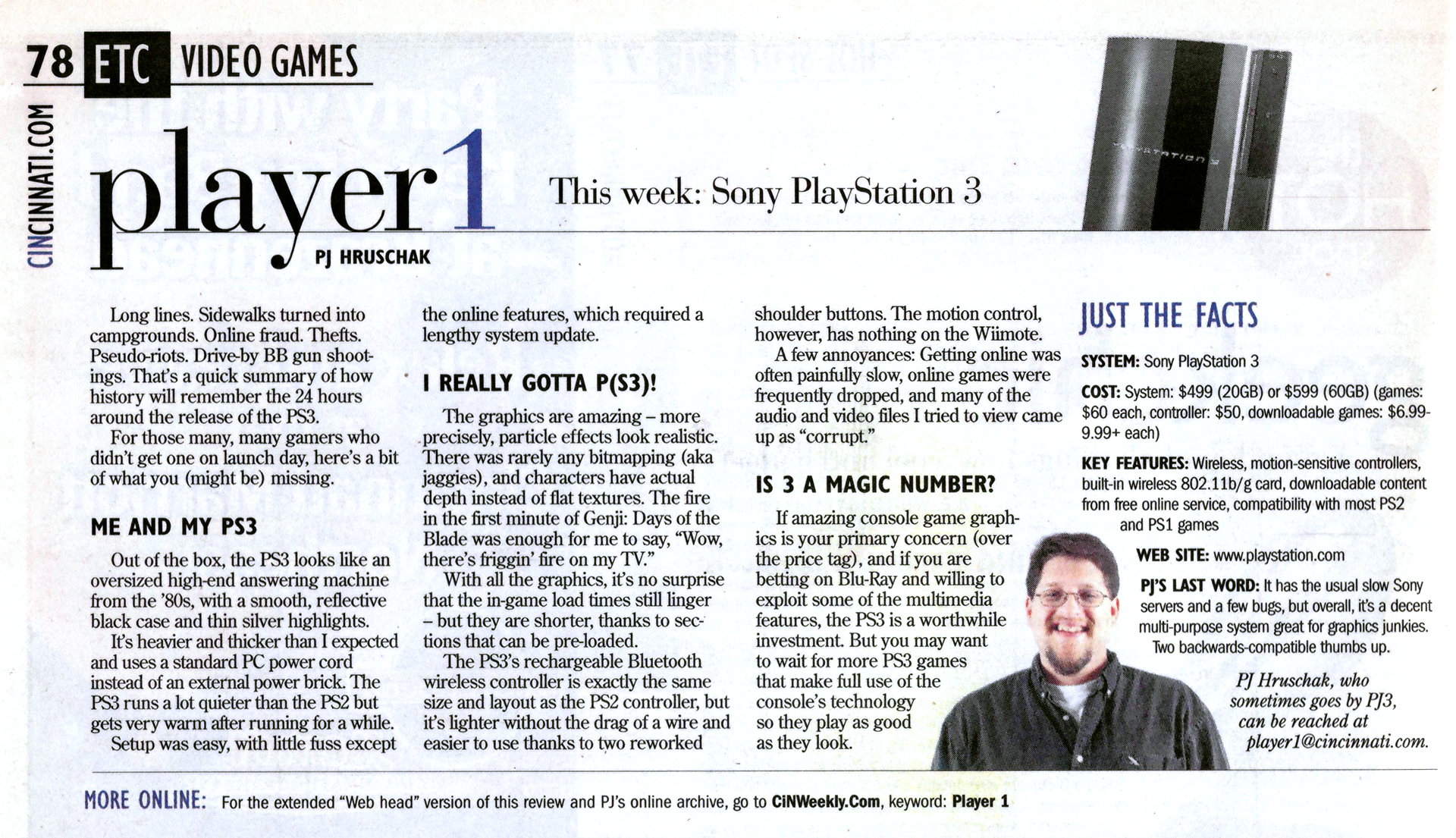
This was originally published November 29, 2006, in CiN Weekly Magazine (p. 78), and online at CINWeekly.com and Cincinnati.com.
For the Web Junkies
More on the Hardware
After using the PS3 for a while, I've become a little less impressed with the case design. First, the damn main power switch is still on the back of the system. Although you can power un the unit from the controller, like the other two new game consoles, the PS3 needs to be in Standby mode, which requires the power switch to be On.
The Eject and Powerup/Standby "buttons" are built onto the case of the system so a button does not recede, which looks pretty smooth. Powering down the system requires that you wither hold down the PS button on the controller or keep your finger over the Powerup/Standby buttons for a couple seconds. It'll feel like it's not working, so be patient. I still can't believe they put the main power switch on the back of the system. As an energy conscious guy who like to be green, I'd prefer a more user-friendly switch on the front so I don't need to leave the system on Standby all night.
Also, the four USB ports on the front of the system - two more are on the back - are under an extension of the case if you keep it in a horizontal orientation. (Keeping it vertical may look cool but it will just take up a ton os shelf space. Again, I prefer horizontal for my game systems after problems surfaced with some the vertical PS2s.) Plugging in any USB device requires a bit of feeling around or getting under it to find the slots. Since the wireless controllers are charged via USB, you will be using the front ports every few days. Unfortunately, they provide a pretty short USB cable that puts you only a couple feet from the screen.
I still have not run down a controller charge yet, which bodes very well for the battery length. Unlike the Wii, you cannot use any of the older PS2 controllers and there are not any ports for the PS2 memory cards. An adapter will be available (about $15) for the memory cards, but I have not gotten word about a PS2 adapter. That means shelling out $50 per controller if you plan to play with any friends. The improvement to the controller is that the bottom tow shoulder/trigger buttons - R2 and L2 - are a bit larger and the plastic has been removed from behind them, making them easier to press, likely due to less resistance from the case.
As I wrote before, the console uses a standard PC power cable and the PS2 style A/V cable, which means no power brick cluttering your floor or behind your entertainment cabinet and one less cable you need to buy. If you want HD, however, you will need to buy that cable separately since it comes with the usual colored RCA cable(s).
I did plug in a (Logitech mini) USB keyboard right away to help with the system setup but only Japanese came out. It did type English after I got through the initial setup. Not every game will be keyboard compatible, but I highly suggest having one at least nearby in case you want to message better than a fat-thumb pre-teen gamer.
A Bit of the Software
PS3 games are standard size CD/DVD discs but come in a clear case that is nearly an inch shorter than standard cases. It also has a small clear chamber that looks like it could hold some gum or other small candies with "Blu-ray Disc" and "PLAYSTATION 3" etched into it. BTW: Is it just me or is the PS3 logo the same font as is used for the Spider-man logo?
Just to put in my few cents on the backwards compatibility, about 200 of the 8,000-15,000 PS1 and PS2 games were found to experience some problems on the PS3, either dropping the audio or simply freezing. Even with the lowest game count, that is still less than 3% of the entire library, which is still pretty damn good. It played the many Ps2 games I plopped into the suck-it-in style drive rather well.
The most impressive - well, nerdly - feature of the PS3's system is that it allows you to install an alternative operating system. Yep, the PS3 is pre-built for dual boot. I appreciate they have embraced and acknowledge the fact that the system really is a juiced PC, though I'm not very likely to do too much computer-style tinkering to a game system.
When you play PS2 games in the PS3, you can still save to the hard drive but you'll need to setup Virtual Memory Cards (VMC). It's damn easy and you can have many, you'll just need to rearrange them to have the correct save files in the virtual version of Slot 1. The VMCs also load super fast, often just blinking for a split second when loading or saving a game.
You can put just about any type of storage device into the USB ports around the system - even an external hard-disk drive - without transferring files to the console's hard drive. I tried both a Flash (thumb) drive and SD card and both were instantly recognized. The only issue was that the system was finicky about the files it would display, and it didn't call them up as nicely as the PSP menu. You need to burrow down through the card icon in each section to show the files - or see which files are declared "Corrupted" - before you can play them.
You can also sync a PSP to the SP3 to share media, though I was not able problems since I had not upgraded my PSP system software. Apparently you need to be on the most recent version of OS and I don't have enough room on my tiny memory card to download it. Guess I'll add that to my ever-growing shopping list of pseudo-necessary PS3 accessories. Sigh.
The PS3 update can supposedly be performed from some games, which I tried with NBA 07. To my dismay, it was still required when I tried to go online. The updates took about a least 20 minutes after it got going, which may have been another 20 minutes. When I played NBA 07again, it said the system was corrupted but the game and the system worked just fine.
Online logon is still pretty sluggish and sometimes too slow to connect. Downloading games can also be a patience-testing chore and really doesn't help with my confidence in online purchases. even downloading free demos was pretty hit-and-miss for a few days but it seems to be getting a bit more stable.
... And then there are the Games
I received three games pre-lanch: Genji: Days of the Blade, NBA 07 and Resistance: Fall of Man. The PS3 library already seems to be filling out pretty well with sports and action games, obviously targeting older gamers. Of course the Playstation archives still makes the PS3 the system with the most playable games at launch. Gotta love backwards compatibility.
They all look great and play pretty well with Genji having the most impressive particle effects yet weakest game play. After getting through the initial awe of the graphics, the game soon became a standard sword-slashing action game, even less fun than the Onimusha games for the PS2.
I spent the least time playing NBA 07, mostly so I could get the system review out and I was more quickly drawn into the other two games. The players move pretty well and looked good, though they weren't huge improvements over recent PS2 sports games.
Fall of Man was the most all-around impressive game of the three, looking good, playing well and feeling kinda spooky. The first-person shooter mixes otherwise dull WWII action with nasty, invading aliens and cool weapons. Yeah, they are pretty human-ish, but they take more than a couple shots to go down and will gladly conk you over the head with their laser guns. When you start picking up the more modern weapons, the game starts to get really fun.
One of the little touches I really liked was the on-the-fly damage from gunfire. Shoot a window and the bullets go where you aimed them and break the glass accordingly, causing uniquely shaped shards. Shoot an empty tin can with a rifle, however, and it sparks and rolls maybe an inch.
Character models generally looked pretty good across all the games, void of either bitmapped edges or the otherwise flat texture maps. Body parts actually have heft and contour instead of flat shadows drawn to give the illusion of cheek bones. All of that may add a little more realism, yet human characters still seem pretty rubbery. We're definitely closer to realistic game visual, yet still pretty far from being truly life like.