PRINT ARTICLES > Cin Weekly Magazine > Nintendo Wii
This was originally published November 29, 2006, in CiN Weekly Magazine (p. 44), and online at CINWeekly.com and Cincinnati.com.
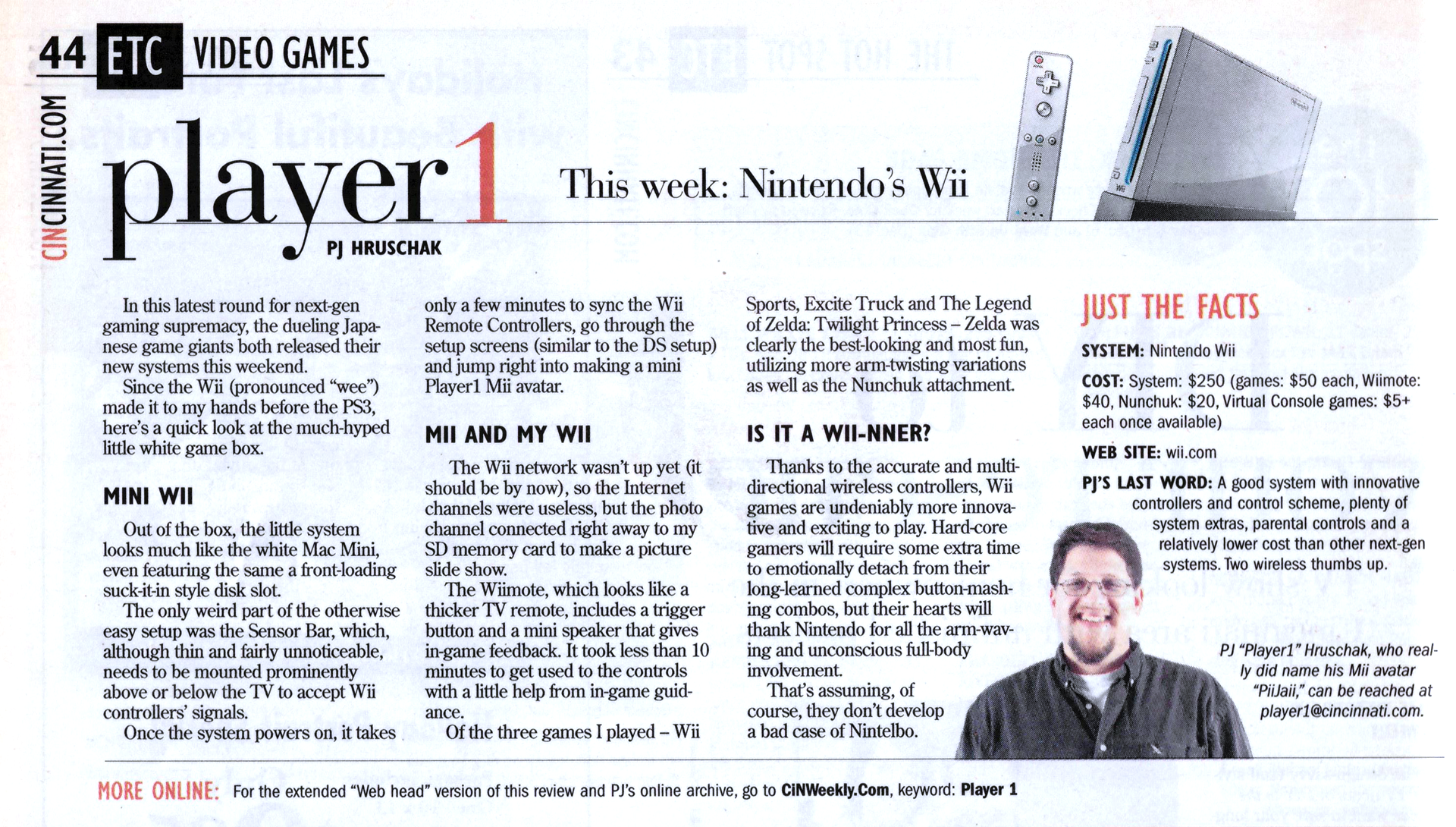
For the Web Junkies
From mii to you, it's frii wii riiview content.
The Wii console ships with an angled stand, one Wii remote, one Nunchuk attachment, the Sensor Bar, an AC adapter (with a medium size power brick), an AV (RCA) cables and the Wii Sports game disk.
For tech specs junkies, the Wii includes with an optical disk drive (doesn't play movies), a 243-MHz ATI graphics chip, a 729-MHz PowerPC processor, 64MB of GDDR3 memory, 512MB internal flash memory, and an 802.11g Wi-Fi. The optional stand positions the console at about 10 degrees back from vertical. The power brick attached to the power cable is about a quarter the size of the main console whish is a fairly standard size for many electronic devices.
The Wii has a very low profile with small, slightly raised buttons on the front for easy access, as well as ab SD memory card slot which is protected by a flip-down cover. On the left the side - or the top depending on your selected orientation - are four GameCube controller and two gameCube memory card ports, which are also protected by flip-down - or removable - covers. I keep it horizontal so I leave the GameCube memory card and controller slots in the Wii and take up less shelf space. If you use the angled stand, it might look more dynamic, but the Wavebird (wireless GameCube controller) plugs will look a little goofy sticking out of the top, and the stand adds several inches to the height.
In true Nintendo style, none of the GameCube plugs can be used to power the Wii or to connect the audio and video. Those ports, the sensor port and two USB ports, are on the back of the system as is a little red sync button that you should only need to use one for each WiiMote. It does not include an ethernet port, though Nintendo will eventually offer a USB ethernet adapter that will connect to a networked PC. You'll need to purchase a component or S-video cable (about $25) for better quality display. The system also delivers a 16:9 widescreen at 480i.
The system does not have a hard drive but does have some internal memory, which is still good for saving game progress. Games load quickly and it is easy to get back to the Wii main menu without having to reset - unless you are playing a GameCube game, and then you'll need to eject the disk and restart the system.
Since I couldn;t try the internet channels - like News and Weather - played with the Photo Fun section a little. It lets you scribble and paste silly objects on any image (like sunglasses and kissy lips), use a few filters to make it look crazy and then post it to your channel for others to see. You can also toss it into the Puzzle mode which cuts the image into cubes for you to put back in place. They don't really add much to the overall system but are instead silly bonuses younger kids will like.
The WiiMote
OK, I know WiiMote is not the actual name, but it's far easier to say and write than "Wireless Remote Controller."
After reading the Wii setup booklet, I was afraid that I'd need to rearrange the family room to accommodate the Wii's Sensor Bar, but it works great even from some pretty weird angles and across the room (apparently up to 10 meters, but the wall opposite my TV is not quite that far away). At most you might need to adjust how you hold the WiiMote to make certain it is centered. Even after more than 10 hours of nearly continuous play, the controller's battery was hardly worn down, showing full power. You can also check each controller's power level through the Wii system and each controller has a light that indicates which invisible slot it is taking.
If you decide you don't like the WiiMote and all that arm swinging and exercise ain't your bag, you can get a more standard controller for only $20 that includes all the same buttons in an old controller design.
The WiiMote and Nunchuk buttons laid out pretty well, or maybe we've just grown too accustomed to TV remote controls. It can be flipped sideways like an older controller while the many sensors inside still work. My wife, who unconsciously moves when she plays with those old style controllers, found it a little more difficult to get used to the WiiMote since she had to learn to add the correct type of body english. The setup is also great for lefties since all the buttons are centered and it doesn't matter which hand you use for the WiiMote and Nunchuk.
It is possible to use couch-lounging minimal movements with the WiiMote without dancing around and swinging the controller like a crazy person, but really, where's the fun in that? Unless, of course, you keep any lamps or other breakables in your family room. Still, if you get tired, you can use simple wrist flicks to get many of the same controls (but much less exercise or or fun).
One really nice feature that seems to be standard across the new systems, including the Wii, is that you can power on and off the console from the controller. My only gripe with the Wii in this respect is that the StandBy light remains on unless you unplug the system. Of course, you can also put the system in standby and let your Wii people play around, visiting other systems and others visiting yours. It's a bit silly, but definitely fun for younger players. Screw that - making a self-inspired Mii avatar is fun for everyone and a great way to keep game data organizes. You Mii even pops up in some games, such as Wii Sports where it is your playable character and a spectator for other players.
Wii Sports
The graphics are pretty lame for this game, but it uses your armless Mii avatar as the main player in every sport. The disk includes Baseball, Bowling, Tennis, Golf and Boxing. In each game, you hold and swing the WiiMote as you would any object for that sport with the speed determining how fast you move on screen. The graphics are really simplistic and all the players look a little silly since they are missing arms yet have hands.
For Baseball, you hold the WiiMote like a bat, swinging it to hit oncoming pitches in what is essentially a hitting derby game and pitch by combing buttons presses and speed to add curves. Batting is definitely more fun and has offers a more realistic feeling than than pitching.
Bowling is my favorite of the bunch, and also the easiest to control. You can add some angles with the button controls, but the bowling motion feels more involved with this game than any other except maybe Golf. In the Golf game, your speed and club head angle - how you hold the WiiMote - has a huge effect on how you hit the ball and how far it will travel.
Boxing, which uses the Nunchuk attachment, is a two-fisted swinging match where you can block, weave and jab at your opponent depending on where you hold your hands. It's one of the silliest and most tiring games of the lot.
In all, Wii Sports is a pretty good introductory game for the Wii, but definitely not one that can alone justify the cost of the system. It's great for making your buddies look a little silly, getting the kids some indoor exercise and breaking a few objects in the house. Make sure your kids put on that wrist strap.
A while back I reviewed the Xavix game system which can still be found in some game stores and the bottom of a few Best Buy shelves. In case you don't recall, the Xavix is a game system with uniquely shaped wireless controllers that players swung around to accurately control avatars in various sports games. Sound familiar? Yeah, it was fun and a good workout but a single Wii system - with one WiiMote and Wii Sports - pretty much replaces that entire system and all of its games for about the same cost.
Excite Truck
To play you turn the WiiMote sideways, holding it like an older controller, but moving it more like a steering wheel and also tipping it the forward or back to get some extra height and land jumps.
This was the game that demonstrated that it matters how you hold your controller. if you tend to lean one way, your car will drive and you'll quickly go off course.
Again, this doesn't have any ground breaking graphics but the control system, once you get used to it, it pretty engaging. The two-player split screen and limited map makes the multiplayer game a little too hard to play but single-player is is pretty fun.
This was my least favorite of the three Wii games I played, though it does show that racing games can work well with the WiiMote. I can't really recommend you this game when considering there are more complex racing games in the works for the Wii.
The Legend of Zelda: Twilight Princess
I hated the first hour of this game. It starts really slow with very few abilities and weapons and, like most Zelda games, involved a confusing groups of puzzle quests that, once the right one is solved, the rest fall immediately into place. it's finding that one weird ledge and doing that one weird move that takes forever, leading you to backtrack and run more more circles than necessary.
After that hour, however, I could not stop playing and had become so comfortable with the arm waving controls, I got frustrated when I had to start hitting buttons again.
It's the usual tale of kidnapped princesses, a heroic quest to save the world from impending doom and evil and an elvin hero with a green hat and nifty sword. It's much darker and more surreal that most Zelda games, with creepy creatures and a segment where you run around as a wolf.
Once you acquire a sword, you swing the remote to swing the sword, jiggling and pressing a button or two to create special attacks. Even fishing is fun, where you hold the WiiMote like the pole and rotate the Nunchuk like the reel to pull up fish. Even when you get a bow and arrow you can use realistic arm movements to draw back the bow and let go of the string with a button press. The mini speaker also adds more dimension with swishing sounds for the sword, stretching string sounds with the bow and creepy giggles when your impish companion has some advice.
This was the game that inspired the term Nintelbo, since my elbow started to ache. I also had some aching in parts of my hand that had never ached before. Granted, I played for more than 6 - OK, 7 - hours straight using motions that weren't common for a frequent gamer. I'm curious to learn if the WiiMote is actually better or worse for carpal tunnel syndrome than the other game controllers. I'm sure some companies will make a few ergonomic tweaks to their proprietary WiiMotes in the next few months.